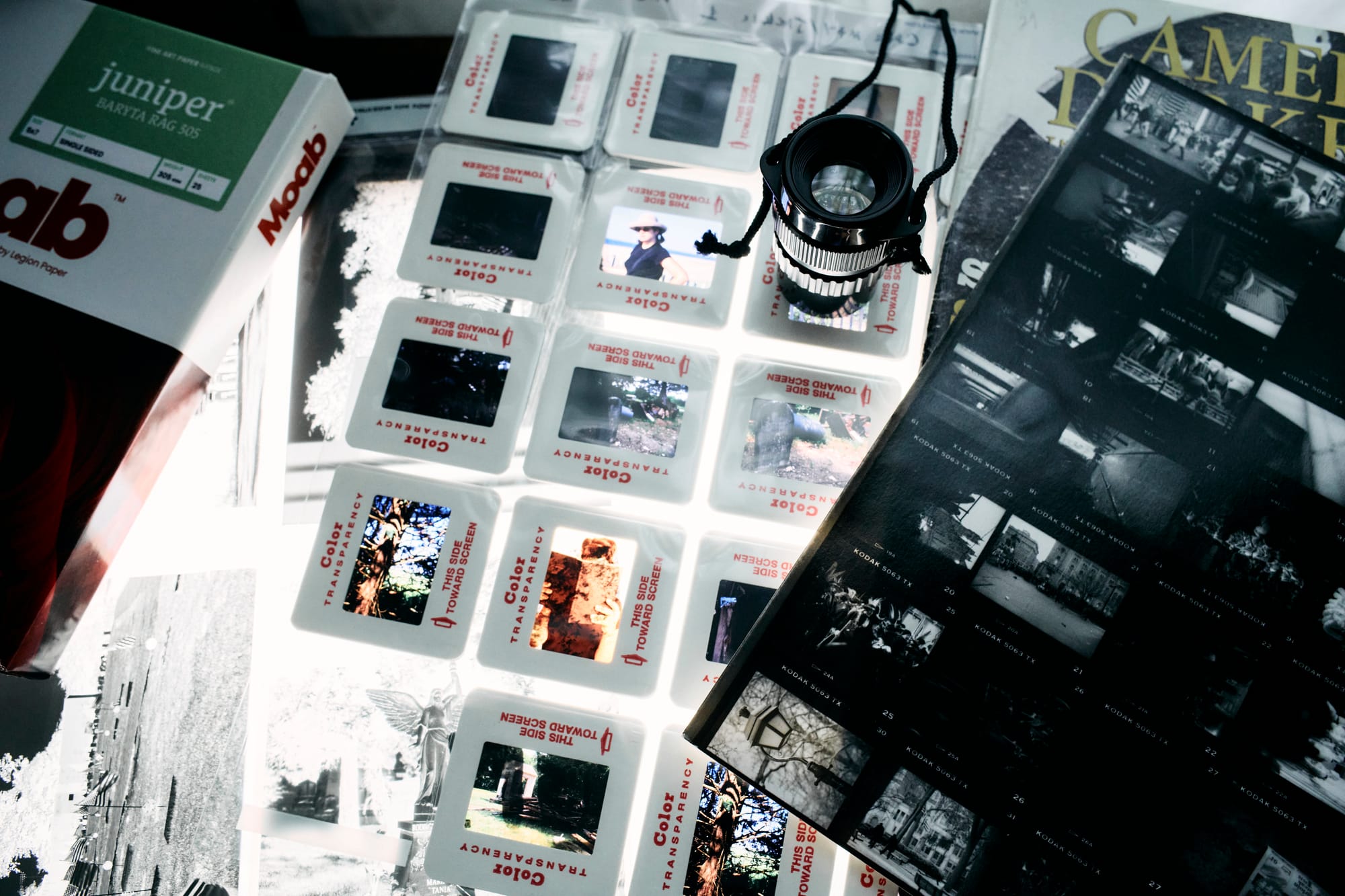
Film is a high-resolution format, but for the first decade of the digital transition you would hardly have known it. Good scanners were rare, and the ones that existed were priced for pre-press houses and working professionals, not for anyone with a shoebox of negatives. A generation of photographers formed their opinion of film's sharpness from murky lab CDs and thousand-dollar flatbeds punching below their spec sheets.
That era is over. There are more ways to scan film at home now, and more good ones, than at any point since the medium's commercial peak. The problem has inverted: the difficulty is no longer finding a path in, it's choosing among several genuinely workable ones. This piece maps the four that matter. A companion piece takes up what comes after the purchase, which is where most home scanning actually succeeds or fails.
The flatbed
Epson's V600 remains the default first scanner for good reason. It is still in production, costs less than a decent lens, handles everything from 35mm through large format on one glass bed, and includes Digital ICE, the infrared dust-and-scratch removal that saves hours of spotting on color film. For medium format and 4×5 it is honestly capable, and for proofing whole rolls of anything it is hard to beat on price.
Its known weakness is 35mm. Independent testing has long put the V600's effective resolution well below its advertised numbers, which matters little for a 6×7 negative and quite a lot for a frame the size of a postage stamp. The step-up V850 resolves more and handles fluid mounting, though its availability has been inconsistent since 2025 and buying one may take patience. One more caveat that applies to every ICE-equipped machine: the infrared trick works on color and chromogenic film only. Conventional silver black-and-white and Kodachrome scatter the infrared, and those frames get spotted by hand no matter what you paid.
The dedicated film scanner
If 35mm is most of what you shoot, a dedicated scanner earns its narrower focus. Plustek's OpticFilm line is still manufactured new and pulls real detail from small negatives that a consumer flatbed cannot, at the cost of feeding film one frame at a time. It is slow, deliberate work, suited to people who scan selectively rather than by the roll.
Then there are the Nikon Coolscans, which deserve their reputation. Nikon stopped making them nearly twenty years ago, yet they remain fully working tools today because two independent software companies, VueScan and SilverFast, each maintain their own drivers for the line, entirely apart from the software Nikon abandoned. A clean Coolscan runs anywhere from nine hundred to two thousand dollars on the used market, and the better models batch-feed strips or whole rolls. That is real money for old hardware, but the image quality still competes with anything short of a drum scan, and the third-party support means the purchase is less of a gamble than it looks.
The camera scan
The newest path is the fastest-growing one. Put a digital camera on a copy stand, a light source under the film, a macro lens in between, and you have a scanner with the resolution of your camera sensor and the latitude of a RAW file. What was a DIY hack five years ago is now a proper product category: purpose-built film carriers from Negative Supply and Valoi, dedicated scanning lights, complete kits sized from 35mm to 4×5.
Camera scanning produces the best files most people will get at home, and once the rig is dialed in it is also the fastest, running through a roll in minutes. The costs are up front. You need a camera and a true macro lens, the initial alignment and dust management have a real learning curve, and the negative comes off the sensor as exactly that, a negative, orange mask and all. Which brings us to software.
The software, briefly
Conversion is its own craft, and the tools for it are in an unusually productive stretch. Negative Lab Pro, the Lightroom plugin that made camera scanning practical for color negative work, reached version 3 and is testing a standalone edition that drops the Adobe requirement. Capture One added a native film-negative mode in early 2026. FilmLab shipped a ground-up rebuild. On the scanner-control side, VueScan and SilverFast between them cover nearly every scanner ever made, current or not. Whatever you choose today, expect the software landscape to look different in two years, and probably better. Part Two has more to say about how to set up your files so that this works in your favor.
The hybrid
One more option costs almost nothing to try: keep sending film to the lab for cheap, low-resolution scans, and rescan only your keepers at home. The lab proofs the roll; you invest home effort where it counts. This is the one place the two approaches genuinely interlock. A modest home setup plus lo-fi lab scans can outperform an expensive setup used reluctantly.
Choosing
The comparison, compressed:
| Path | Best at | The catch |
| Flatbed (Epson V600 / V850) | Medium and large format, batch proofing, price | Soft on 35mm; V850 supply is spotty |
| Dedicated (Plustek; used Coolscan) | Maximum detail from 35mm | Plustek is one frame at a time; Coolscans are a used-market purchase |
| Camera scan | Resolution, speed once set up, RAW flexibility | Needs a camera and macro lens; real setup curve |
| Lab-first hybrid | Low commitment, proofs everything | Depends on lab turnaround and pricing |
The honest way to choose is by use rather than by review score. Shooting medium format for prints points one direction; burning through 35mm and wanting quick proofs points another; a few treasured frames a month is a different situation from forty rolls of family archive. Any of these paths, run well, will beat a better-specified one run inconsistently.
And that, not the hardware, turns out to be the hard part of scanning at home. Picking a scanner takes a week of research. Getting the same result from it in March that you got in January takes a system, and that is the subject of Part Two coming in the next issue.
GP